
WE ARE AVAILABLE FOR NEW PROJECTS


WE ARE AVAILABLE FOR NEW PROJECTS
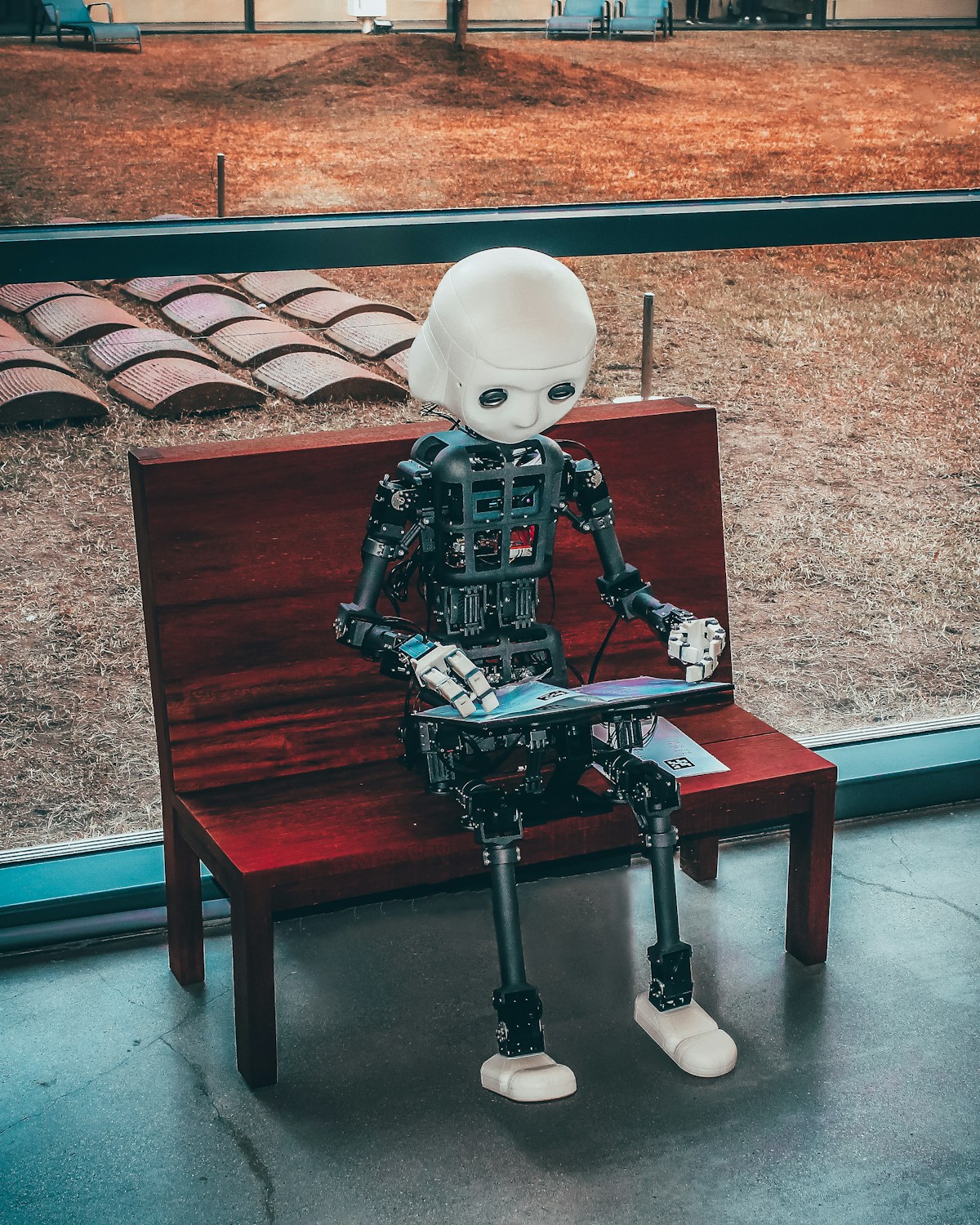
The release of Claude 3.7 Sonnet and Anthropic's ground-breaking Computer Use capability marked a definitive turning point for AI-driven agency operations and automated content creation. Unlike traditional LLMs that merely output plain text, Claude 3.7 operates as a autonomous digital co-pilot capable of navigating video editing software, compiling storyboards in interactive Artifacts, and automating end-to-end media workflows.
One of Claude 3.7's standout features is its hybrid architecture—allowing creators to toggle between instantaneous responses and extended internal reasoning. During video storyboarding, extended thinking allows Claude to evaluate narrative pacing, emotional arc curves, and audience psychological triggers before rendering a single word.
Anthropic's Computer Use API empowers Claude to visually read monitor screens, control cursor movements, click timeline elements, and automate repetitive tasks inside editing suites like Premiere Pro, DaVinci Resolve, and CapCut Web.
| Task Category | Manual Time Required | Claude 3.7 Automated Time | Efficiency Gain |
|---|---|---|---|
| B-Roll Asset Sorting & Tagging | 2.5 Hours | 4 Minutes | 37.5x Faster |
| Auto-Subtitle Correction & Stylizing | 45 Minutes | 2 Minutes | 22.5x Faster |
| Thumbnail Variant Generation | 1.5 Hours | 5 Minutes | 18x Faster |
| SEO Metadata & Description Setup | 30 Minutes | 1 Minute | 30x Faster |
Using Claude's interactive Artifacts panel, video directors can instantly generate live visual storyboards with code-rendered preview components, shot-by-shot lists, audio cue markers, and downloadable JSON timeline files compatible with major editing tools.
"Create an interactive shot-by-shot video storyboard inside a React Artifact component for a 60-second viral tech review.
Include columns for:
- Timestamp (00:00 - 00:60)
- Audio Voiceover Script
- Sora / Runway Photorealistic Visual Prompt
- Camera Angle & Movement (e.g. 24mm FPV Drone Sweep)
- On-Screen Kinetic Text overlay details"